Reading POS & Invoice Data Automatically: Turning Restaurant Data Into Decisions
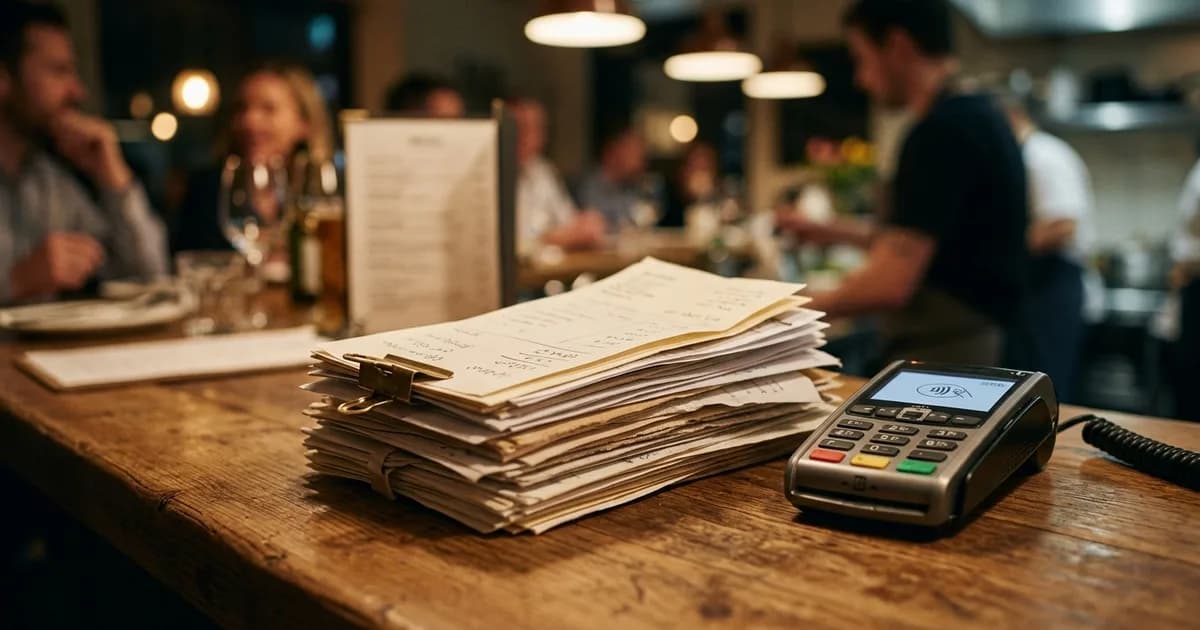
Every restaurant accumulates data in two places: in the POS (what was sold) and in the invoices (what was bought). Operators who can put these side by side run their business on numbers. The problem: merging this data by hand takes hours — and in most operations it never happens.
This guide explains why POS and invoice data matter, why reading it manually stalls, and how automation solves it.
Why Do POS and Invoice Data Matter?
Together they form the full picture of the kitchen:
- POS tells you the revenue: which dish sold how many times, which hours are busy, what each cover left behind.
- Invoices tell you the cost: what each ingredient cost, when the price rose, whether the supplier is consistent.
Revenue data alone is half the picture. Cost data alone is half the picture. Together, real profit becomes visible.
Why Does Manual Reading Stall?
The data is right there but goes unused. The reason is simple — processing it by hand is too much work:
| Obstacle | What Happens in Practice |
|---|---|
| Scattered format | POS on one screen, invoices in a drawer, ledger separate |
| Time | At day's end, no one has the energy to enter data |
| Error | Every hand-keyed figure is a new error risk |
| Delay | By the time it's compiled at month-end, the data is already stale |
The result: data piles up but never turns into decisions. The business keeps running "on feel."
How Does Automation Solve This?
An automated system quietly does the work people avoid: it reads data at the source, merges it, and makes it meaningful.
1. Connect (once)
You connect your POS system and invoice source. No hardware to install, no till to replace — it works on top of your existing setup.
2. Automatic Reading (every day)
The system reads sales and incoming invoices on its own, at night. The data is processed while you sleep.
3. Morning Briefing
By morning, your profit/loss, stock status, and points to watch are ready. No data entry; just reading.
Doors Automation Opens
When data flows automatically, analyses that are impossible by hand become routine:
- Live food cost: When an ingredient price rises, the cost of affected dishes updates that same night.
- Supplier tracking: Who sells the same item cheaper, who quietly raised their price — visible from invoice history.
- Shrinkage detection: Expected stock from sales is compared with actual stock, catching loss instantly.
- Trend: Is this week better than last? The system compares, you interpret.
Gurmion's Approach: The Autonomous Kitchen
Gurmion is built on exactly this logic — designed not for the operator to enter data, but for data to flow on its own:
- Reads POS and invoice data autonomously — manual entry at a minimum
- Builds food cost and profit/loss from that data itself
- Works on top of your existing POS and setup; doesn't replace it
- By morning, before you sit down, the statement is ready
Gurmion isn't a POS program — it's a reading and analysis layer that works above your till and invoices. You don't have to abandon your software; Gurmion makes its data meaningful for you.
Frequently Asked Questions
Do I need to replace my existing POS system? No. The whole idea of automation is to work on top of the existing system. Keep your till, your software, your setup — the point is to read its data.
Will I still enter invoices by hand? The goal is to minimize manual entry. The more the system can read an invoice, the less work falls on you.
Is my data safe? Business data is sensitive and should be treated that way. Data is used only to build your statements.
Is this overkill for a small restaurant? The opposite. A small operation with no staff to process data by hand benefits most from automation.
Try Gurmion for Free
Start with Gurmion for free — get automatic cost and profit/loss analysis from your POS and invoice data. No credit card required.
The data is already yours — accumulating in the POS and the invoices. The point isn't to enter it, it's to read it. Automation protects the operator's scarcest resource: time.